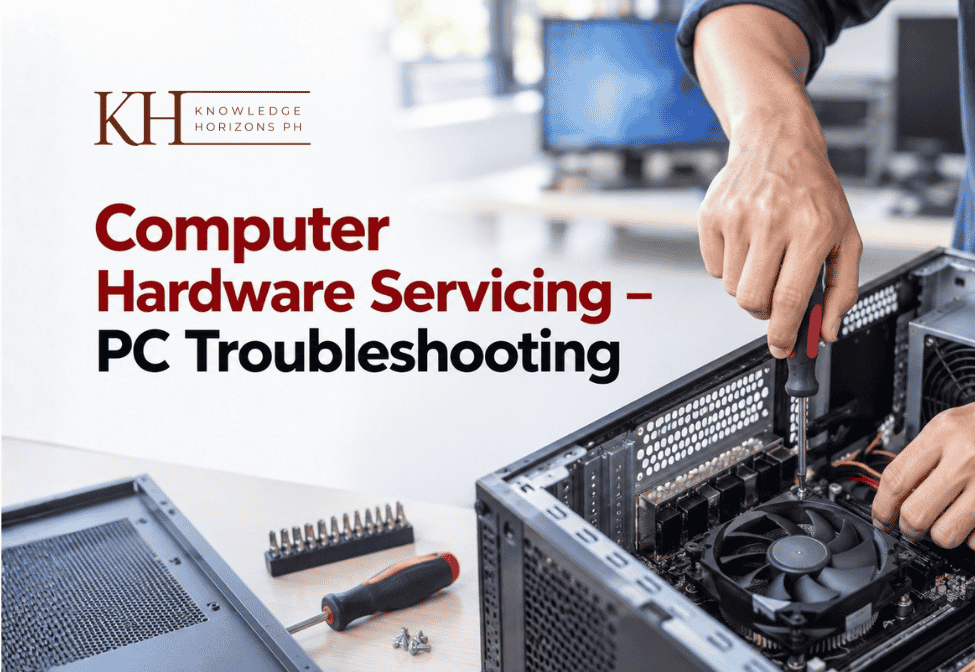

Computer Hardware Servicing – PC Troubleshooting
This Computer Hardware Servicing Training Module is designed to equip learners with practical, job-ready skills in maintaining, troubleshooting, repairing, and upgrading computer systems. The course covers essential topics such as computer hardware safety and precautions, motherboard components, memory and expansion cards, CPU operations, BIOS setup, storage devices, jumper settings, and system unit disassembly. Learners will also explore computer viruses, operating systems, hardware testing methods, and basic computer networking and topology concepts, all explained through step-by-step lessons and real-world examples.
Participants will develop hands-on confidence in diagnosing hardware issues, replacing components, performing basic repairs, and optimizing system performance. This training is ideal for students, fresh graduates, career shifters, and anyone looking to build computer technician skills, IT support knowledge, or technical-vocational competencies.
By the end of this module, learners will be able to perform basic to intermediate computer hardware servicing tasks, follow proper safety standards, and understand how modern computer systems operate. This course is perfect for those seeking computer hardware training in the Philippines with a certificate issued immediately upon completion.
Learning Objectives
- Identify, assemble, disassemble, and test computer hardware components safely
- Diagnose and troubleshoot common computer hardware and performance issues
- Configure Basic Input/Output System settings and perform operating system familiarization
- Explain basic networking concepts, topology types, and device connectivity
Target Audience
- ICT Students
- Senior High School
- Aspiring Computer Technicians
- TVL Computer Systems Servicing Learners
- IT Support Beginners
- Hobbyists
- College Students
- Teachers and Trainers
- Entrepreneurs
- Computer Shop Owners
- Career Shifters
- Home Users
- Out-Of-School Youth
Course Outline
Quick Course Guide 1
- Here’s What to Know Before You Begin
Hardware Fundamentals And Components 5
- A. Computer Hardware Servicing: Safety and Precaution
- B. Various Testing Performed on a Computer System
- C: Identifying Motherboard Hardware Parts and Their Function
- D: Identifying Memory Module
- E: Identifying Expansion Module Cards
Central Processing Unit 2
- F: Learn About Central Processing Unit
- G: Learn About Storage Devices
System Setup, Maintenance And Software Concepts 5
- H: Hard Disk Jumper Settings Guide
- I: Examples of Input and Output Devices
- J: Learning About BIOS Setup
- K: System Unit Disassembly Procedure
- L: Common Types of Computer Viruses and How They Infect
Operating System Familiarization 2
- M: Operating System Familiarization
- N: Learn the Basics of Networking And Topology
Contributor