

Training Description
The Problem-Solving and Decision-Making in the Workplace training is designed to equip office professionals with the essential skills to tackle challenges and make informed decisions effectively. This course focuses on practical strategies and techniques to analyze problems, weigh options, and choose the best course of action, ensuring smooth operations and successful outcomes in any office environment.
Training Outline:
• Introduction to Office Administration
• Decision-Making in Office Administration
• Rational Choice Decision Making Process
• Problem Solving Strategies: Knowing Your Leadership Style
• Challenges in Problem Solving and Decision Making in the Office
• Practical Exercises: Real World Scenarios on Problem Solving and Decision Making
Target Participants:
• Administrative Assistants
• Executive Assistants
• Office Secretaries
• Office Clerks
• Receptionists
• Front Desk Officers
• Office Coordinators
• Administrative Officers
• Project Assistants
• HR Assistants
• Operations Assistants
• Customer Service Representatives
• Records Officers
• Document Controllers
• Procurement Assistants
• Marketing Assistants
• Virtual Assistants
• Junior Supervisors
• New Managers
• Team Leaders
• Small Business Owners
• Entrepreneurs
• Freelancers
• Career Shifters
• Job Seekers
• General Public
• Students
• Interns
• Trainees
• Fresh Graduates
1. Registration Process
To complete your registration:
- Fill out all required details in the registration form.
- Process your payment using any of the accepted payment methods listed below.
- Upload a clear screenshot of the successful payment transaction in the designated section of the form.
♦ Important: Uploading an invalid, altered, or bogus proof of payment will result in non-processing and automatic cancellation of your registration.
2. Accepted Payment Methods
A. QR Code Payments (No Transaction Fees)
- GCash QR Code

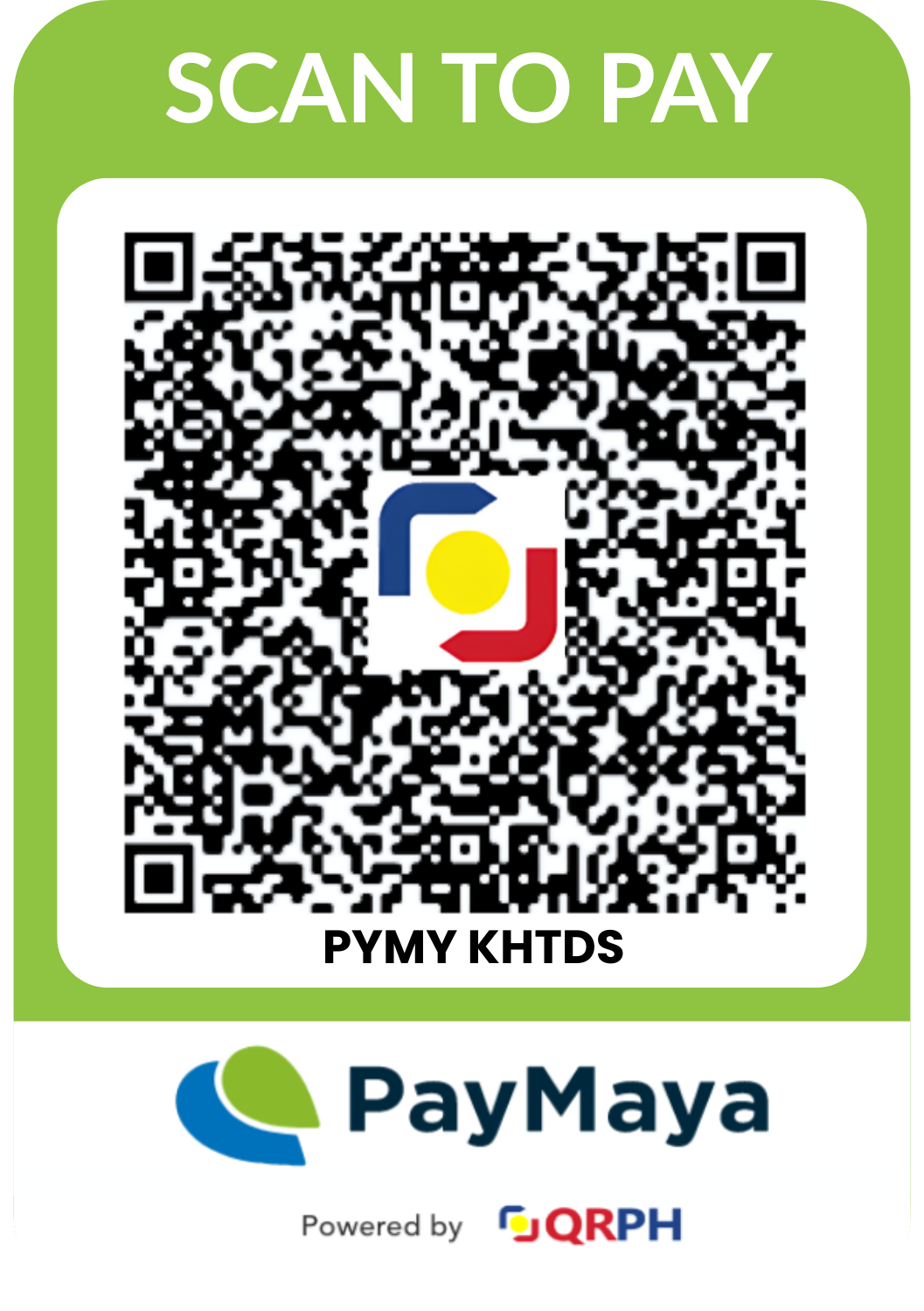
- Maya QR Code
B. GCash Manual Payment
- Mode: GCash Express Send only
Payments via GCash Send Money Protect or “Send with a Clip” are NOT accepted. - Account Number: Provided in the Registration Form
- Account Name: Kenneth Ivan Dela Fuente
C. Bank Transfer (Manual Payment - Any Bank)
- Bank: BDO
- Account Number: Provided in the Registration Form
- Account Name: Knowledge Horizons Training and Development Services
- Branch: BDO SM City of Santa Rosa
3. Proof of Payment Requirement
All registrants are required to upload a screenshot of the successful payment transaction as part of the registration form.
- The screenshot must clearly show:
- Transaction status (Successful/Completed)
- Date and time of payment
- Amount paid
- Blurred, incomplete, or fake proofs of payment will not be honored.
4. Registration Confirmation
Once you have submitted the registration form along with valid proof of payment, you will receive a confirmation email within 24 hours indicating your successful registration.
If you do not receive an email within this timeframe, please check your spam folder or contact us for assistance.
5. Service Invoice
A copy of the service invoice will be sent to your registered email address on the next business day after payment confirmation.
6. General Notes
- Registration slots are confirmed only after payment verification.
- Payments made without completing the registration form will not be automatically recognized.
- Fees paid are subject to the terms and conditions provided