

Training Description
This training introduces participants to the practical use of Google Workspace as a suite of productivity tools designed to enhance office efficiency and collaboration. Participants will be guided through the key features of Gmail, Google Drive, Docs, Sheets, Slides, and Calendar, with demonstrations on how these applications can simplify workflows, improve communication, and support teamwork.
The session highlights essential functions and best practices for integrating Google Workspace into daily office operations. By the end of the training, participants will gain a clearer understanding of how to maximize Google Workspace to achieve greater productivity in a modern work environment.
Disclaimer: Google Workspace is a trademark of Google LLC. This training is not affiliated with or endorsed by Google.
Training Outline:
I. Productivity Fundamentals
II. Why Productivity Matters in a Work Environment
III. The Cost of Inefficiency
IV. Google Workspace Overview
V. Google Core Apps - Functions & Usage
VI. Google Productivity Boosters
Target Participants:
• Administrative Assistants
• Executive Assistants
• Office Secretaries
• Office Clerks
• Receptionists
• Front Desk Officers
• Office Coordinators
• Administrative Officers
• Project Assistants
• HR Assistants
• Operations Assistants
• Customer Service Representatives
• Records Officers
• Document Controllers
• Procurement Assistants
• Marketing Assistants
• Virtual Assistants
• Junior Supervisors
• New Managers
• Team Leaders
• Small Business Owners
• Entrepreneurs
• Freelancers
• Career Shifters
• Job Seekers
• General Public
• Students
• Interns
• Trainees
• Fresh Graduates
Terms & Conditions:
IMPORTANT. Please read:
- Payment Terms. All seminar fees must be paid in full at the time of registration. Payments may be made via GCash, Maya or BDO using any online banking facility. Registrations will only be confirmed upon receipt of full payment.
- Non-Refundable Fees. All fees paid are strictly non-refundable. Participants are advised to carefully review their availability and details of the training before registering, as refunds will not be granted under any circumstances.
- Non-Transferable Registration. Registrations are personal to the participant and may not be transferred to another individual or carried over to future seminars.
- Attendance and Certification. Certificates of Participation will be issued only to participants who attend and complete the full training. Non-attendance, whether in whole or in part, will result in the forfeiture of the right to a certificate, regardless of the reason for absence.
- Training Cancellation. In the unlikely event that the training is canceled by the training provider, registered participants will be given the option to either receive a full refund of fees paid or transfer their registration to a subsequent seminar of the same or equivalent value.
- Changes to Training. The organizers reserve the right to make reasonable changes to the training schedule, speakers, venue, or content when necessary. Any significant changes will be communicated to registered participants at the earliest possible time.
- Privacy and Data Protection. Personal information collected during the registration process will be handled with strict confidentiality and used solely for legitimate business purposes related to the seminar. All data processing shall be in accordance with applicable data privacy laws and our internal privacy policies.
By submitting your registration and payment, you acknowledge and agree to abide by these Terms and Conditions.
1. Registration Process
To complete your registration:
- Fill out all required details in the registration form.
- Process your payment using any of the accepted payment methods listed below.
- Upload a clear screenshot of the successful payment transaction in the designated section of the form.
♦ Important: Uploading an invalid, altered, or bogus proof of payment will result in non-processing and automatic cancellation of your registration.
2. Accepted Payment Methods
A. QR Code Payments (No Transaction Fees)
- GCash QR Code

- Maya QR Code
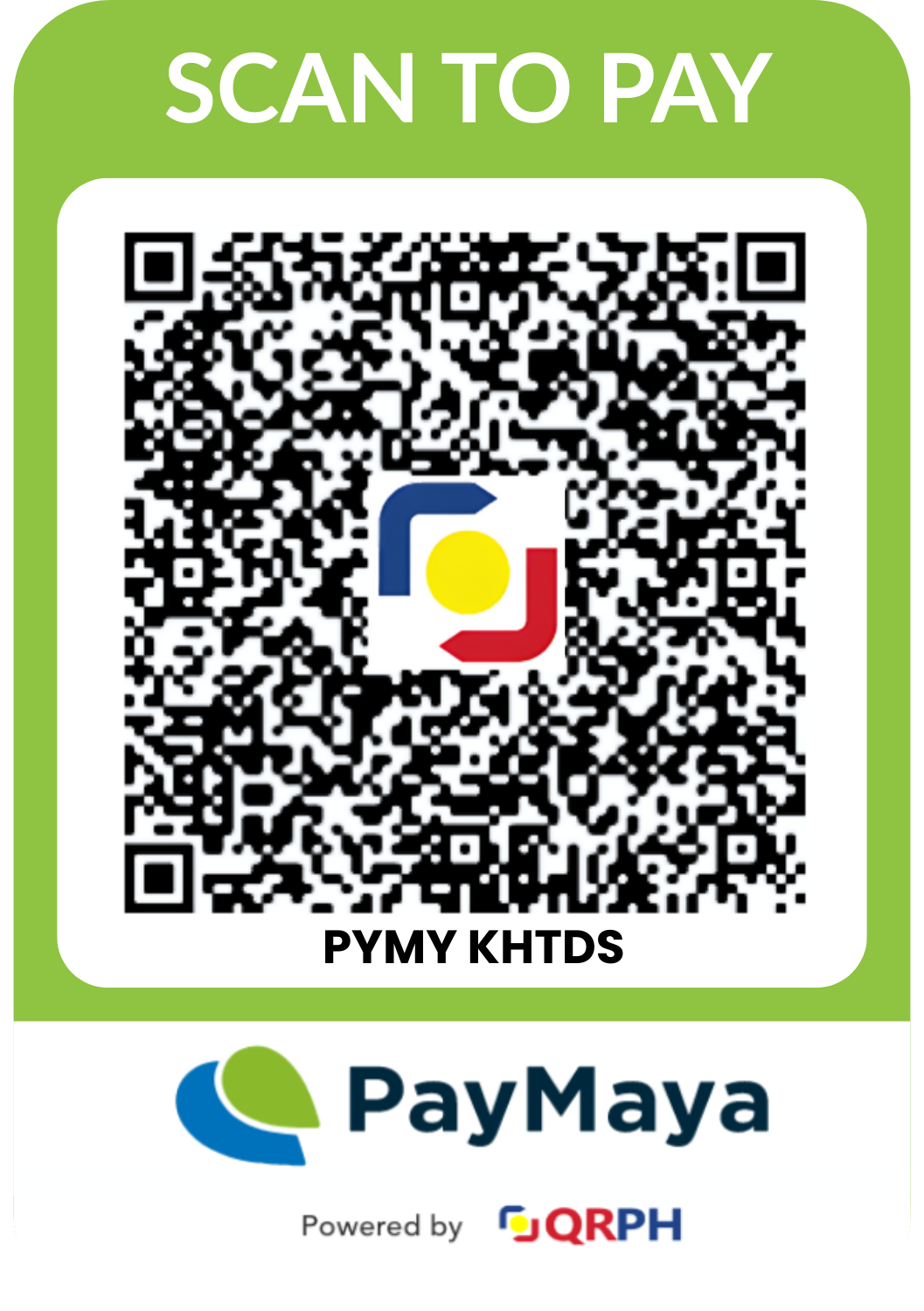
B. GCash Manual Payment
- Mode: GCash Express Send only
Payments via GCash Send Money Protect or “Send with a Clip” are NOT accepted. - Account Number: Provided in the Registration Form
- Account Name: Kenneth Ivan Dela Fuente
C. Bank Transfer (Manual Payment - Any Bank)
- Bank: BDO
- Account Number: Provided in the Registration Form
- Account Name: Knowledge Horizons Training and Development Services
- Branch: BDO SM City of Santa Rosa
3. Proof of Payment Requirement
All registrants are required to upload a screenshot of the successful payment transaction as part of the registration form.
- The screenshot must clearly show:
- Transaction status (Successful/Completed)
- Date and time of payment
- Amount paid
- Blurred, incomplete, or fake proofs of payment will not be honored.
4. Registration Confirmation
Once you have submitted the registration form along with valid proof of payment, you will receive a confirmation email within 24 hours indicating your successful registration.
If you do not receive an email within this timeframe, please check your spam folder or contact us for assistance.
5. Service Invoice
A copy of the service invoice will be sent to your registered email address on the next business day after payment confirmation.
6. General Notes
- Registration slots are confirmed only after payment verification.
- Payments made without completing the registration form will not be automatically recognized.
- Fees paid are subject to the terms and conditions provided